Overview

All your ops tools. One terminal.
Open-source · Self-hosted · Runs locally
Docker, Kubernetes, Git, SSH, Redis, Postgres, Argo CD, and more —
one keyboard-driven TUI with a local KeePass vault.
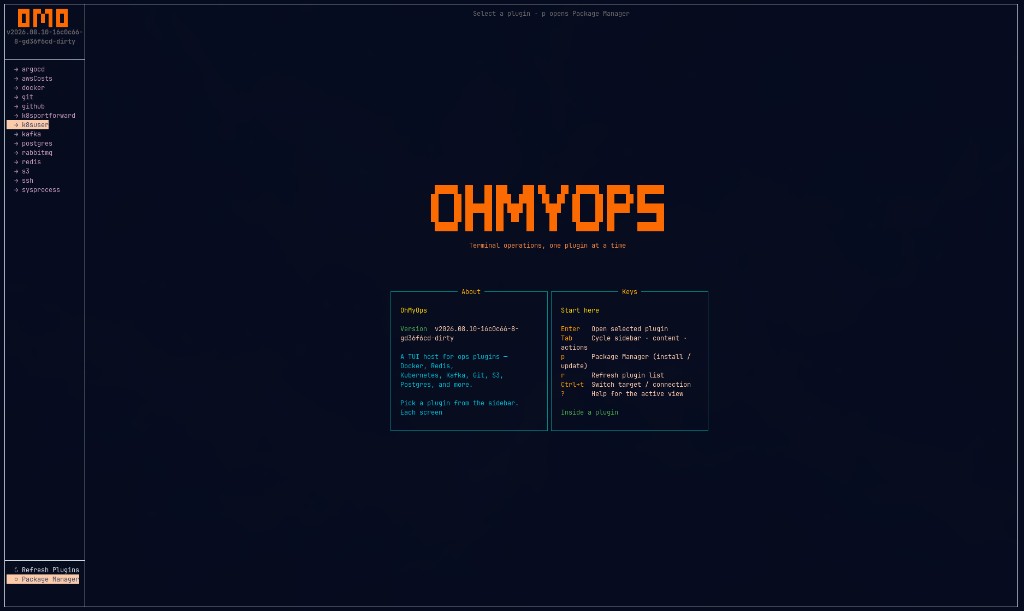
Plugin rail on the left. Live tiles on the right. Shortcuts always visible.
Why omo?
Ops work is fragmented across consoles, CLIs, and password managers.
omo puts them in one local cockpit — no SaaS, no telemetry, secrets under ~/.omo/.
-
One binary
Stop juggling ten tabs and CLIs. Shared navigation for every tool.
-
KeePass vault
Credentials stay local. Open with KeePassXC or
omo secrets. -
RPC plugins
Out-of-process plugins — a crash in one tool never takes down the host.
-
Keyboard-first
Filter with
/, help with?, switch targets with Ctrl+T.
Explore the docs
-
Getting Started
Install, first run, vault setup, and the local playground.
-
User Guide
Navigation, Package Manager, connections, and the secrets CLI.
-
Concepts
Architecture, KeePass model, and the security design.
-
Plugins
KeePass fields, views, and keybindings for every official plugin.
-
Developer Guide
RPC API, writing plugins, packaging, and contributing.
-
Reference
CLI, on-disk layout, keyboard cheatsheet, build matrix.
See it in action
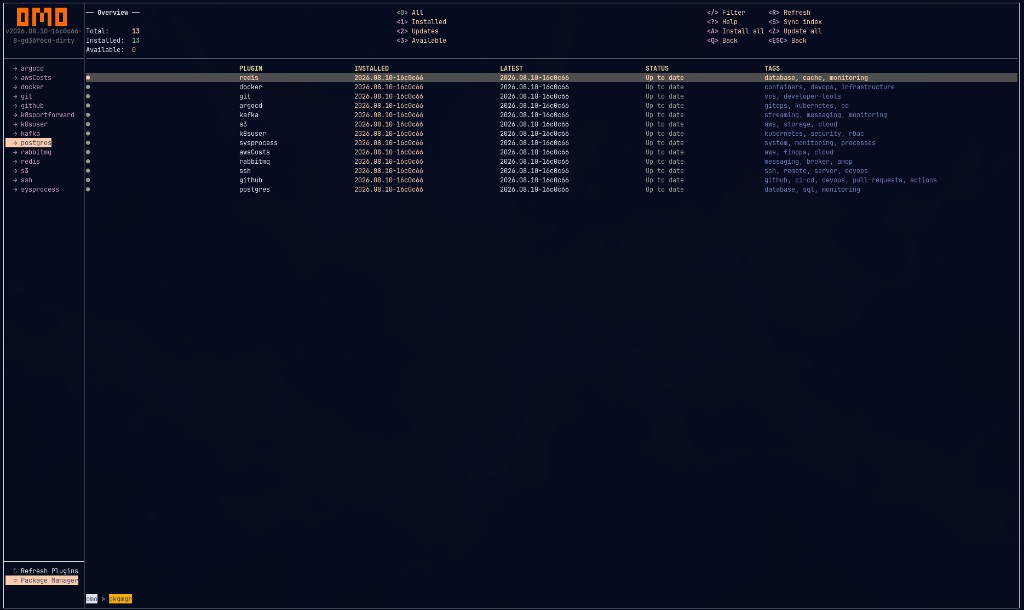
Package Manager — sync, install, update in-TUI
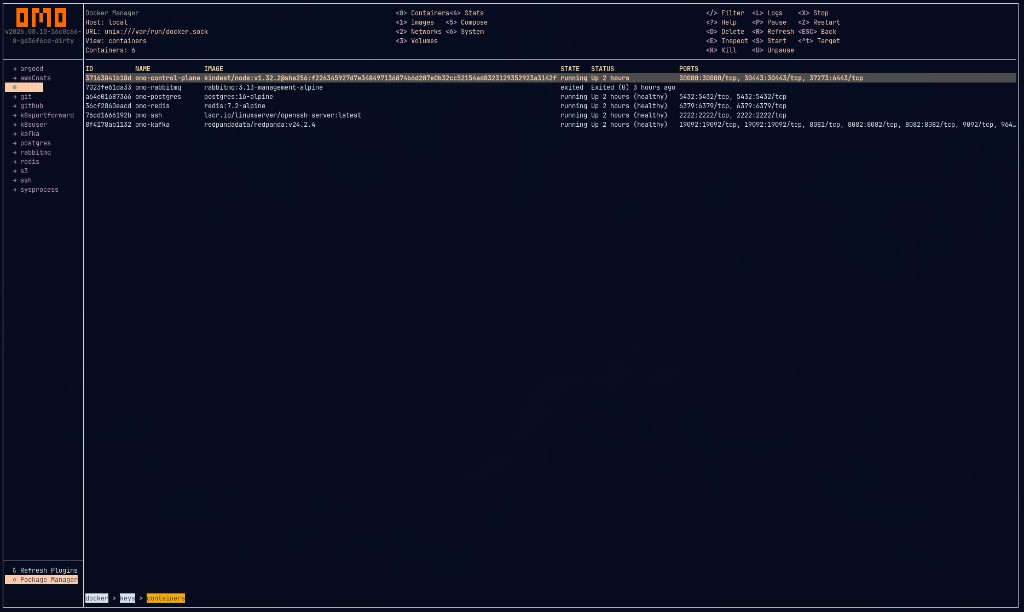
Docker — containers, images, networks, compose
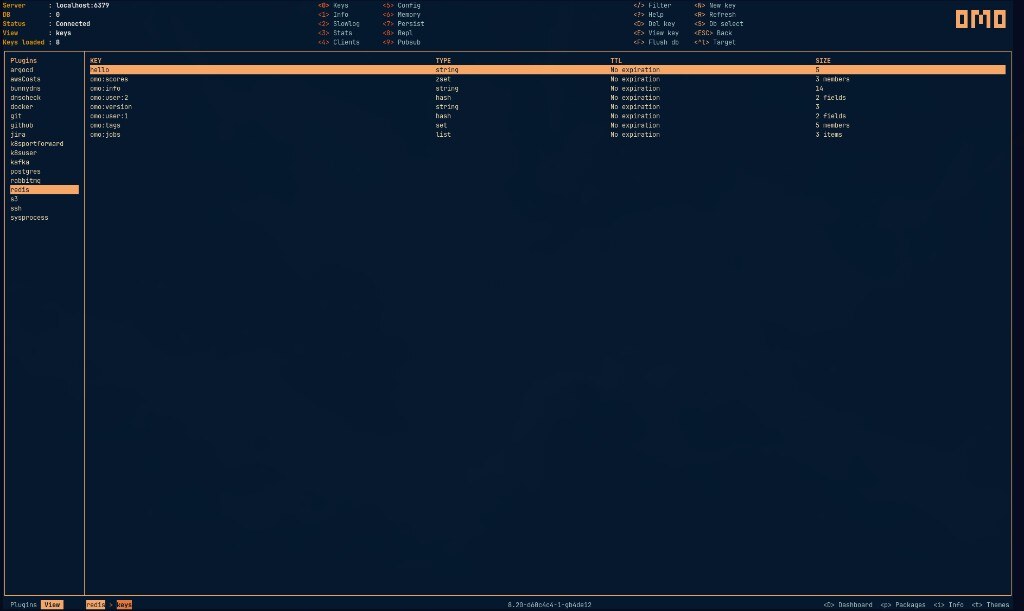
Redis — keys, info, slowlog, clients
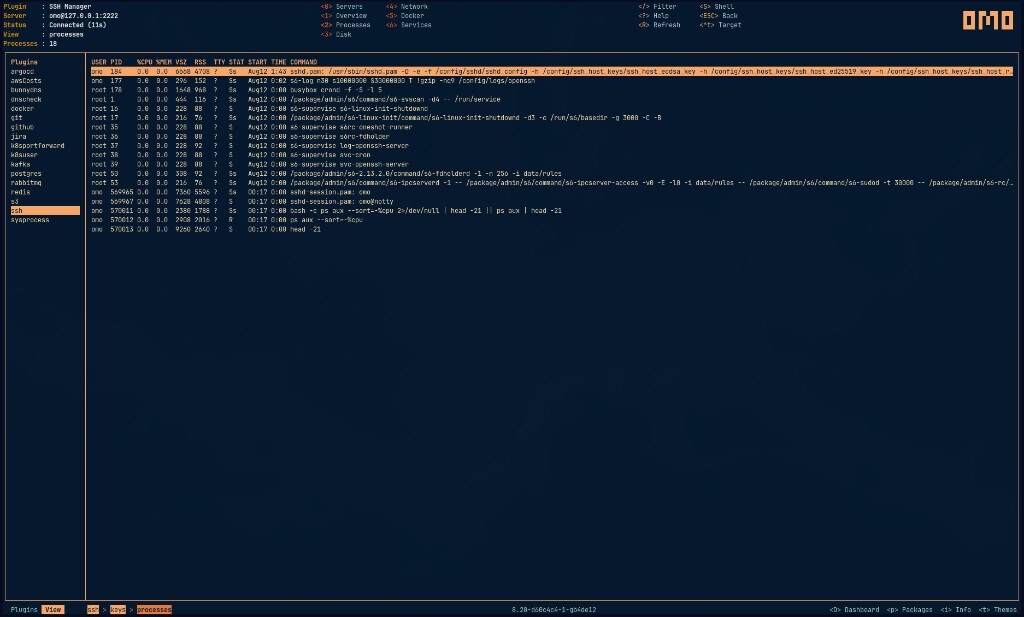
SSH — remote processes, disk, services
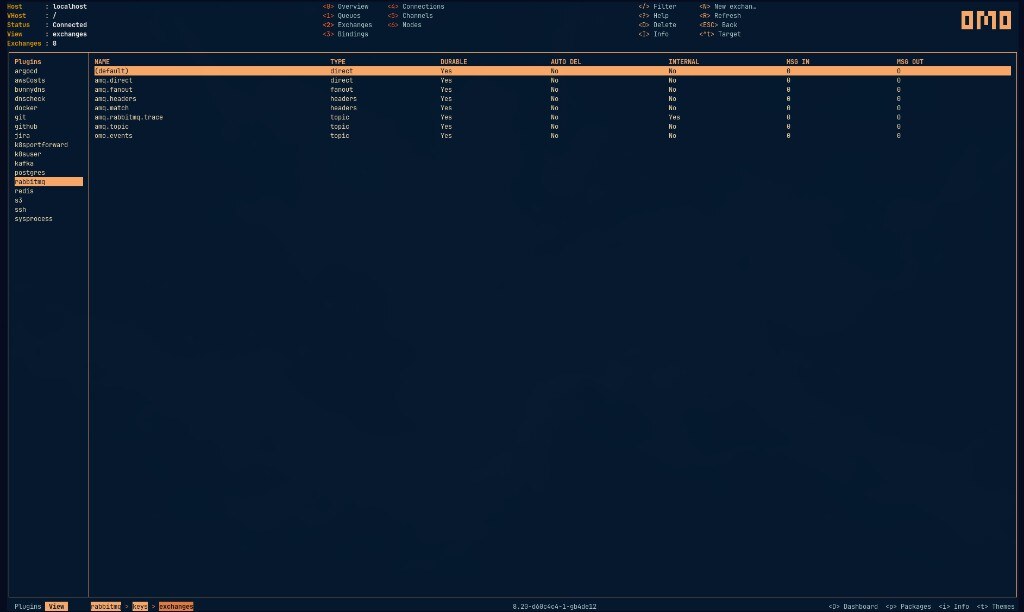
RabbitMQ — queues, exchanges, bindings
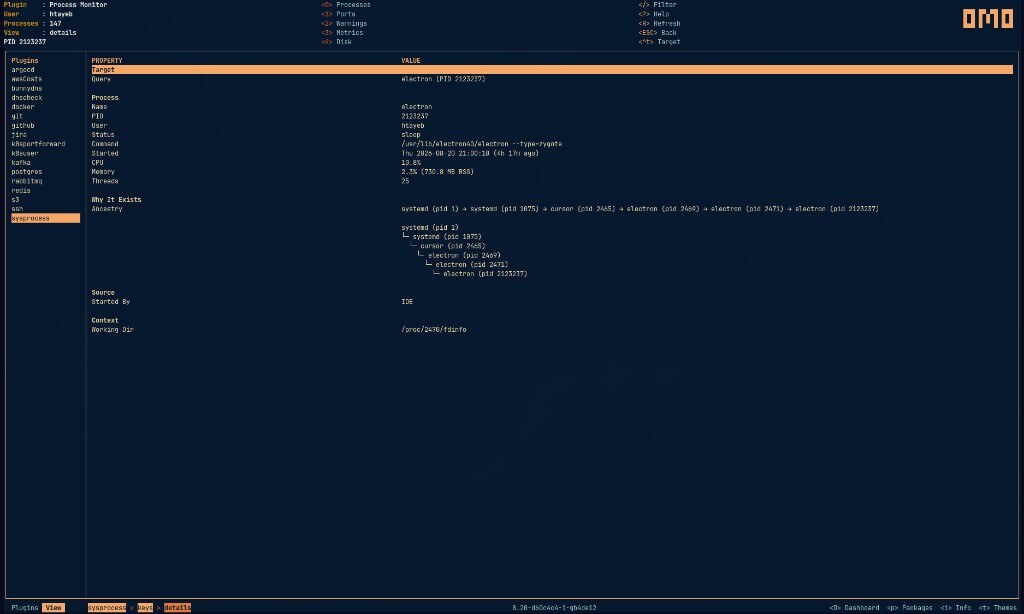
Process Monitor — local processes and why they run