Quick Start
1. Launch
On first run, omo:
- Generates
~/.omo/keys/omo.key - Creates
~/.omo/secrets/omo.kdbx(unlocked by that key file)
Back up the key file
Without ~/.omo/keys/omo.key you cannot open the secrets database.
2. Install plugins
Inside omo:
- Focus the plugins list (left sidebar) and press P
- Press ++S++ to sync the plugin index
- Press ++A++ to install all plugins (or install selectively)
- Press ++Q++ or Esc to return
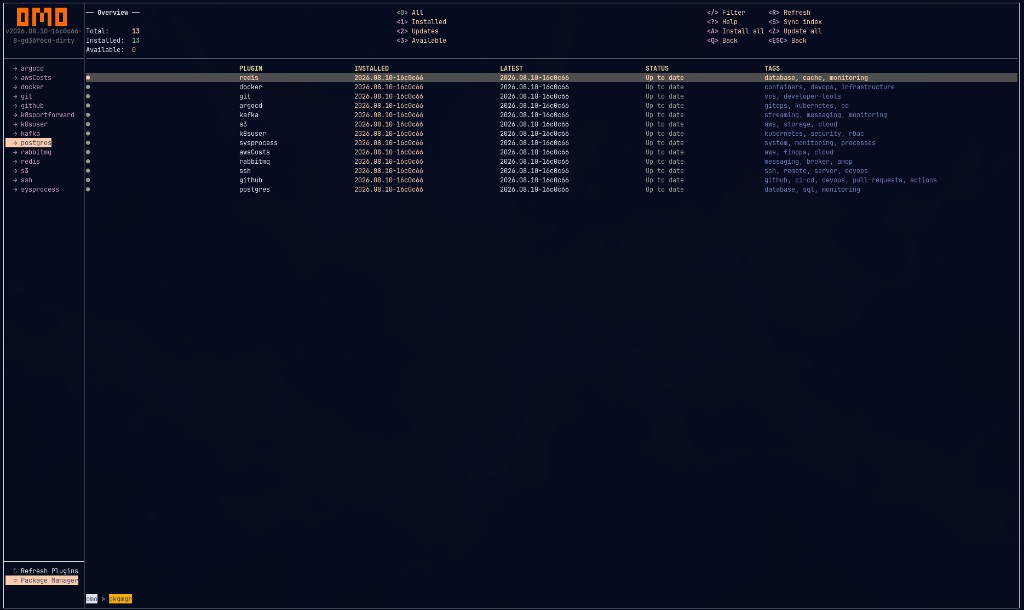
Sync the index, install, and update plugins without leaving the TUI.
3. Add a connection
Every connection is a KeePass entry:
Examples: redis/production/cache-01, docker/development/local, k8sportforward/development/playground.
- Open
~/.omo/secrets/omo.kdbx - Authenticate with Key File →
~/.omo/keys/omo.key - Create groups
redis→development, entrylocal - Set URL / username / password and custom attributes (
port, …)
4. Operate
- Select the plugin in the sidebar
- Use Ctrl+T to pick the target
- Press ++?++ for plugin help
- Press ++R++ to refresh
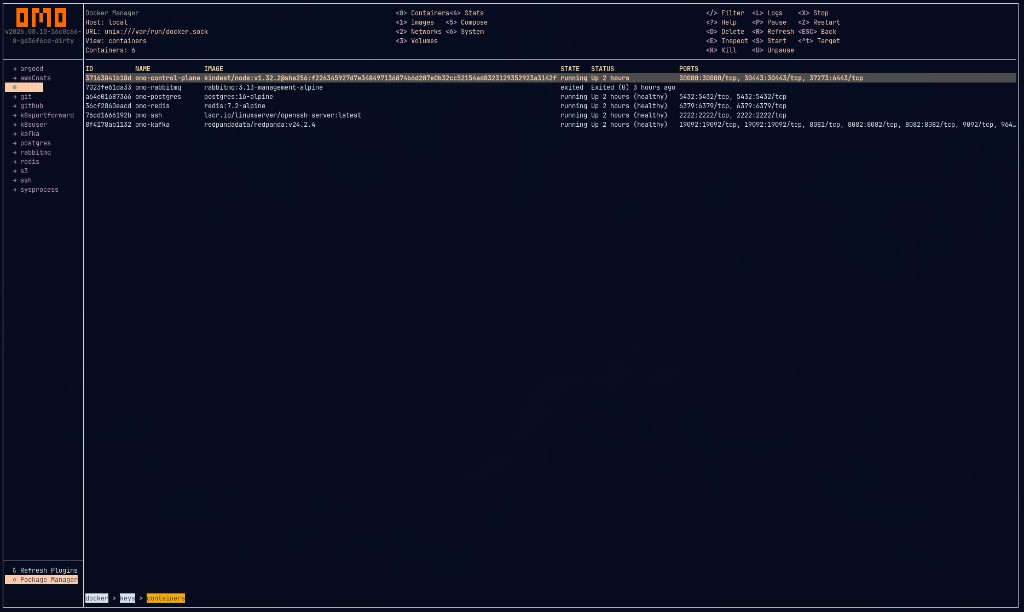
Containers, images, networks, volumes, and compose — keyboard-first.
Next
- First Run & Vault — understand the KeePass layout
- Connections & Targets — multi-env workflows
- Plugins — per-plugin KeePass fields and shortcuts